The Flight Controller runs the hard real-time flight loop. The companion SBC handles video, routing, APIs and external communications. Mission Control selects direct USB, LAN or remote relay while keeping their responsibilities separate.
The end-to-end flow is described as a target architecture; latency and rates remain design targets until KairOS measurements are available.
KairOS repository ↗On this page +
Two onboard computers—different responsibilities
The Flight Controller controls motors, stabilization, GPS and sensors. The companion computer—Raspberry Pi, Radxa, Jetson or another Linux SBC—runs KairOS Drone Agent and does not replace the FC: it adds video, telemetry relay, cloud connectivity, radio, REST APIs and extensions.
On the ground, Mission Control runs in a browser. It can access the FC directly over WebSerial, Drone Agent over LAN, or a remote relay through MQTT/Convex and WebRTC signaling. Ground Agent is added for WFB-ng use cases and turns radio reception into an accessible local web system.
The full telemetry, command and video round trip
FC → Agent
MAVLink UART usually operates at 115200–921600 baud; the agent waits for a heartbeat and identifies the firmware.
Agent → local consumers
The router distributes raw MAVLink to the IPC socket, WebSocket, cloud service and health state.
Agent → cloud
The target system publishes telemetry at approximately 2 Hz and status through HTTP/MQTT paths.
Camera → browser
V4L2 capture passes through H.264 encoding, MediaMTX/RTSP and the selected WHEP, WebRTC or WFB-ng transport.
GCS → FC
Arm, mode, mission and other commands return over the same selected path; the FC enforces pre-arm rules.
ACK → UI
Command acknowledgements and updated heartbeats/state return, after which the UI updates its status.
Direct USB, LAN and remote P2P
| Mode | Transport | When to use | Design target |
|---|---|---|---|
| Direct USB | WebSerial → FC, no agent required | Bench, configuration, calibration, firmware | Design target <10 ms |
| LAN Direct | REST :8080, MAVLink WS :8765, WHEP :8889 | Indoor, short range, development, field LAN | Target: video 50–150 ms; telemetry <100 ms |
| P2P remote | 4G/Internet, MQTT SDP signaling, WebRTC, Convex | Remote observation and a secondary path | Target: video 100–300 ms; telemetry 2–5 Hz |
Automatic transport should first search for a LAN path for about four seconds, then move to P2P signaling with a window of about fourteen seconds. These are design intervals: they depend on the network and are not a KairOS SLA.
The router handles heartbeats, streams and multiple clients
- The agent sends a companion heartbeat at 1 Hz with MAV_TYPE_ONBOARD_CONTROLLER.
- After an FC heartbeat, it requests attitude, GPS, battery, RC and sensors.
- Stream requests repeat approximately every 30 seconds to survive FC reboots or state changes.
- Typical ports: /dev/ttyS0, /dev/ttyUSB0, /dev/ttyACM*; the board profile defines automatic discovery priorities.
- The /run/kairos/mavlink.sock IPC socket carries binary frames to other services.
- Mission Control parses MAVLink v2 with CRC; ArduPilot/PX4 use MAVLink, while Betaflight/iNav use MSP v1/v2.
Flight Controller UART
        │
        ▼
kairos-mavlink router
  ├─ /run/kairos/mavlink.sock
  ├─ /run/kairos/state.sock
  ├─ WebSocket :8765
  ├─ TCP :5760 / UDP :14550
└─ optional cloud relayFrom V4L2 capture to native H.264 playback
Capture
USB UVC or MIPI CSI is opened through V4L2; available formats and resolutions are checked before startup.
Encode
ffmpeg uses H.264 high profile, level 4.1, yuv420p and low-latency flags; a hardware encoder is selected when available.
Publish
The encoded stream is published to MediaMTX/RTSP and becomes the source for downstream transports.
LAN
WHEP delivers WebRTC directly to the local browser.
Remote
MQTT carries SDP signaling, after which media travels over P2P WebRTC or, if needed, a relay.
Radio
wfb_tx sends H.264 over WFB-ng; Ground Agent receives it and republishes locally.
The nobuffer and low_delay parameters and a small probe size reduce queues, but actual latency depends on capture, encoder, bitrate, FEC, radio, network and browser decoding. KairOS will publish measurements for specific profiles, not one universal number.
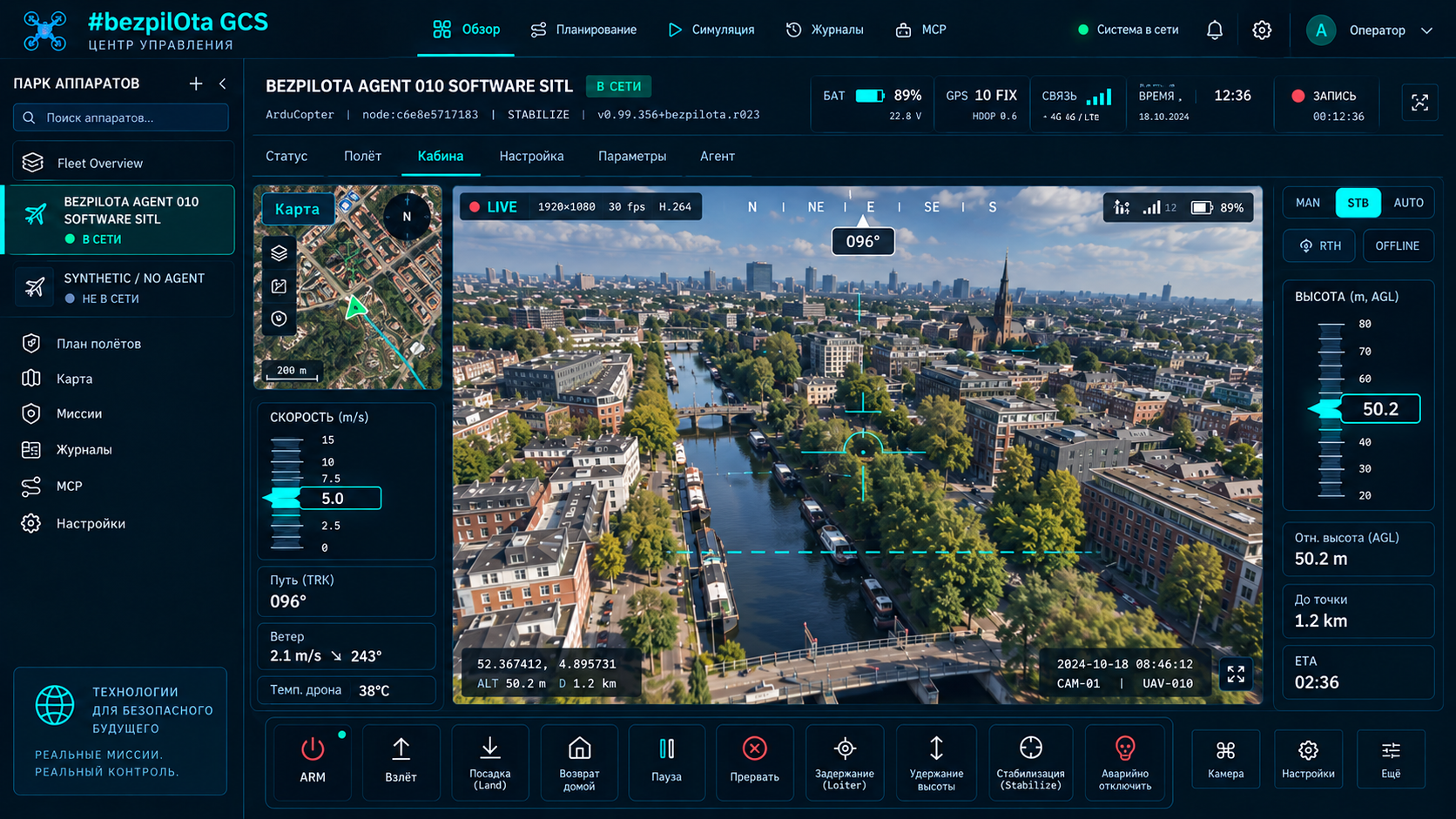
MQTT for real-time data, Convex for state and the command queue
The target KairOS Agent publishes MQTT telemetry at about 2 Hz. The MQTT-to-Convex bridge aggregates state with a debounce of about three seconds per device, while the browser receives reactive queries. Commands are written to Convex; agent polling retrieves pending items, converts them to MAVLink and returns an ACK.
Telemetry: FC → Agent → MQTT → bridge → Convex → Mission Control
Commands: Mission Control → Convex queue → Agent poll → MAVLink → FC
Video: Camera → Agent → MQTT SDP → P2P WebRTC → BrowserThe field node converts radio reception into local interfaces
| Client | Path |
|---|---|
| Laptop | Wi-Fi AP, Ethernet or USB CDC-NCM tethering |
| Phone / tablet | A browser on the same local network or the KairOS Android track |
| Field monitor | HDMI + Chromium kiosk |
| Mission Control | Ground-station profile with video/telemetry sources |
The profile literal is ground-station. It shares one codebase with Drone Agent but enables different services: reception instead of onboard encoding, and AP/tether/kiosk instead of FC-centered onboarding.
Stores separate vehicle, telemetry, mission and transport
| Store | Responsibility |
|---|---|
| drone-manager | Nodes, connection paths and active vehicle |
| telemetry-store | Live state and a 300-sample ring buffer |
| mission-store | Waypoints, patterns, validation, upload state |
| video-store | Sources, transport, playback and errors |
| settings-store | IndexedDB persistence and migrations |
| ground-station-store | Receivers, relay paths, sources and field I/O |
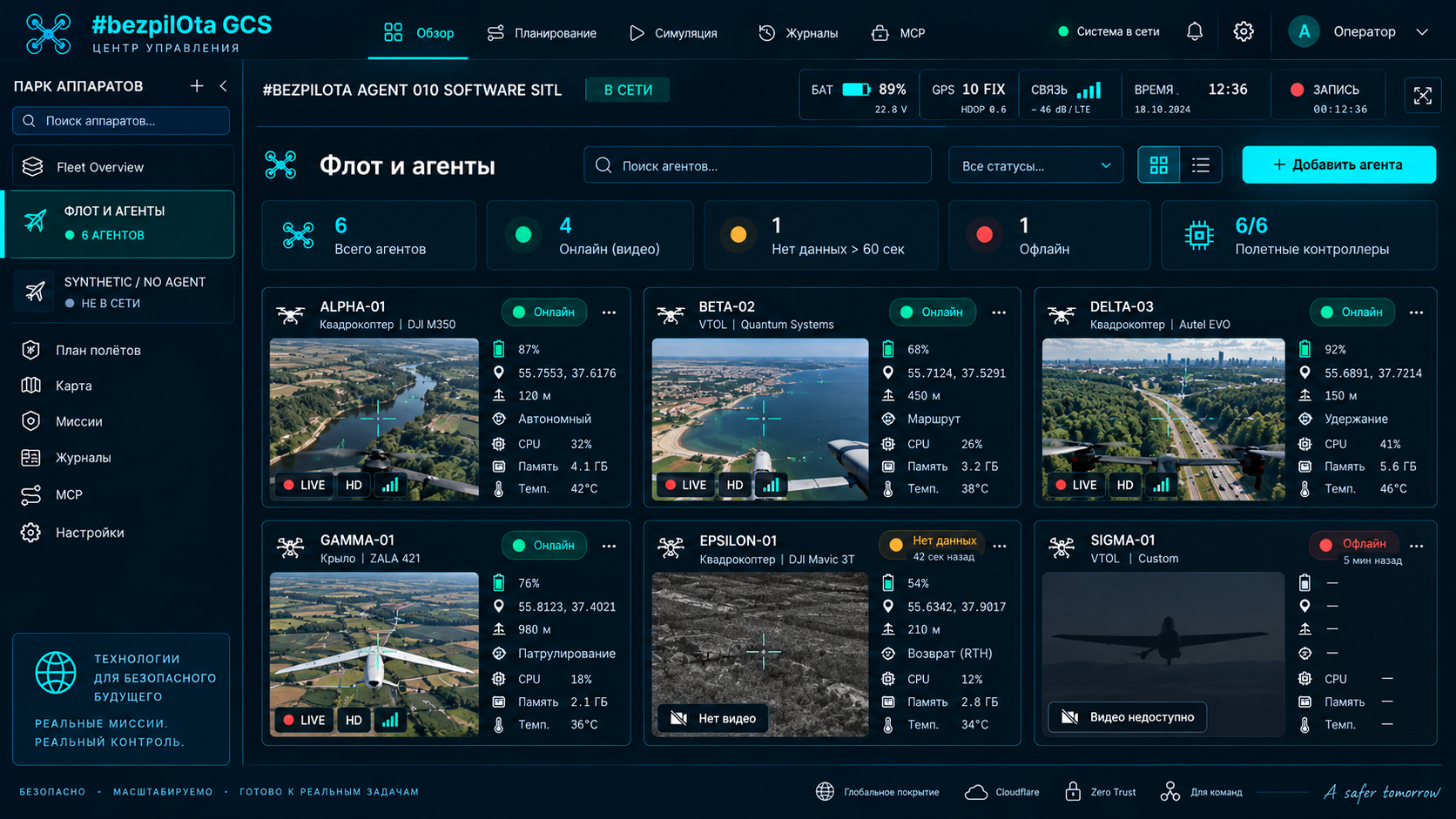
Arming is a confirmed chain, not a local toggle
Operator intent
Mission Control calls protocol.arm() after explicit confirmation.
Protocol
MAV_CMD_COMPONENT_ARM_DISARM, command #400, is created.
Transport
The frame travels over WebSocket/LAN or the Convex/cloud path to the Agent.
Serial
The Agent forwards the command to the FC without claiming authority over pre-arm checks.
FC validation
Firmware checks sensors, GPS, battery, the safety switch, EKF and configured failsafes.
State confirmation
HEARTBEAT base_mode bit 7 and the ACK return through IPC/MQTT; the UI shows ARMED only after confirmation.